ADD YOUR LIGHTS
Tell LuDioMiX which lights you use.
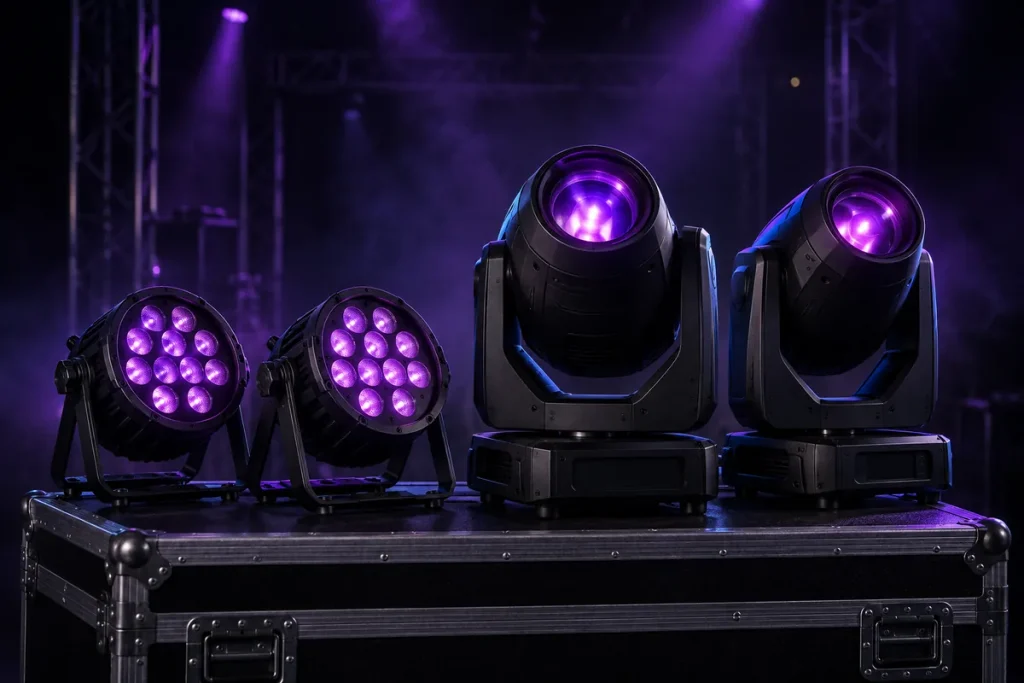
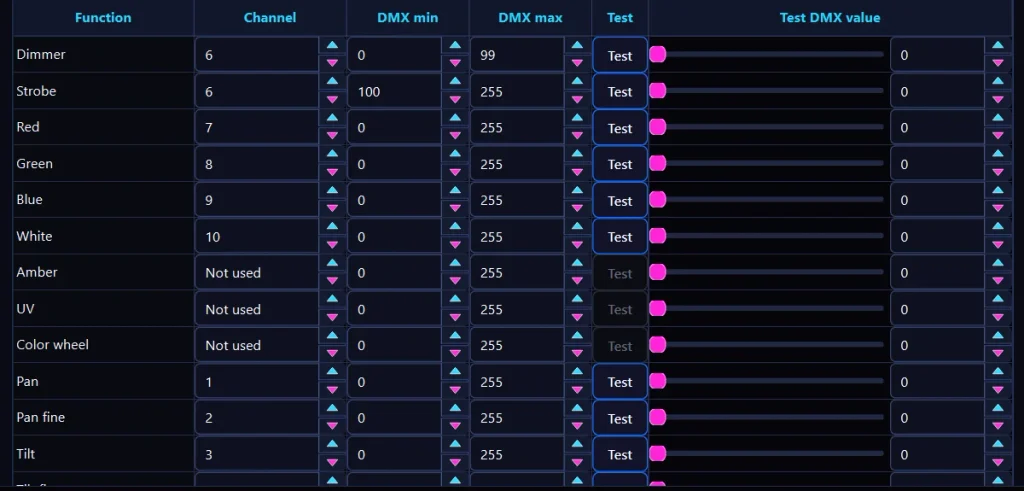
Create a fixture profile for each type of light. The profile tells LuDioMiX which DMX channels control functions such as brightness, color and movement. LuDioMiX includes an easy-to-use Fixture Editor for creating your own profiles.
Once the fixture profile is ready, you don’t need to program color combinations or movements yourself.
SET THE LIGHT POSITIONS
Tell LuDioMiX where your lights are.
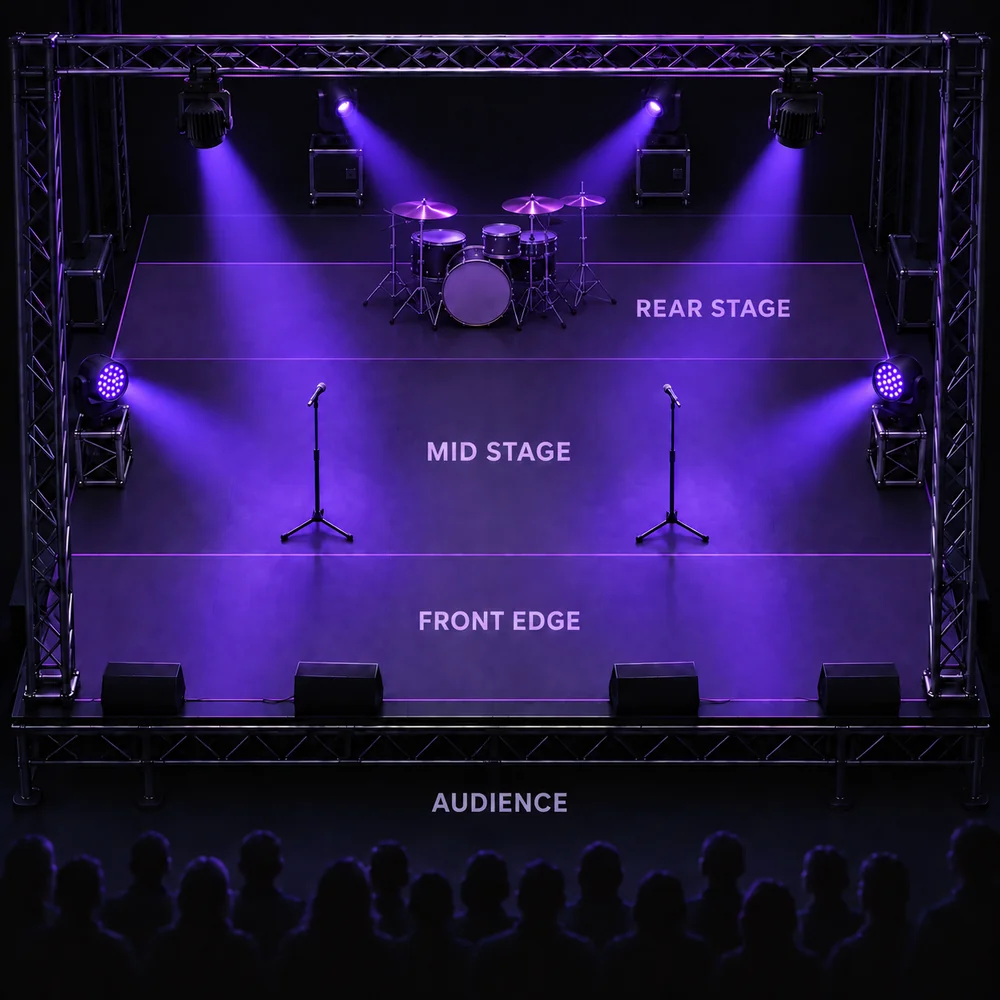
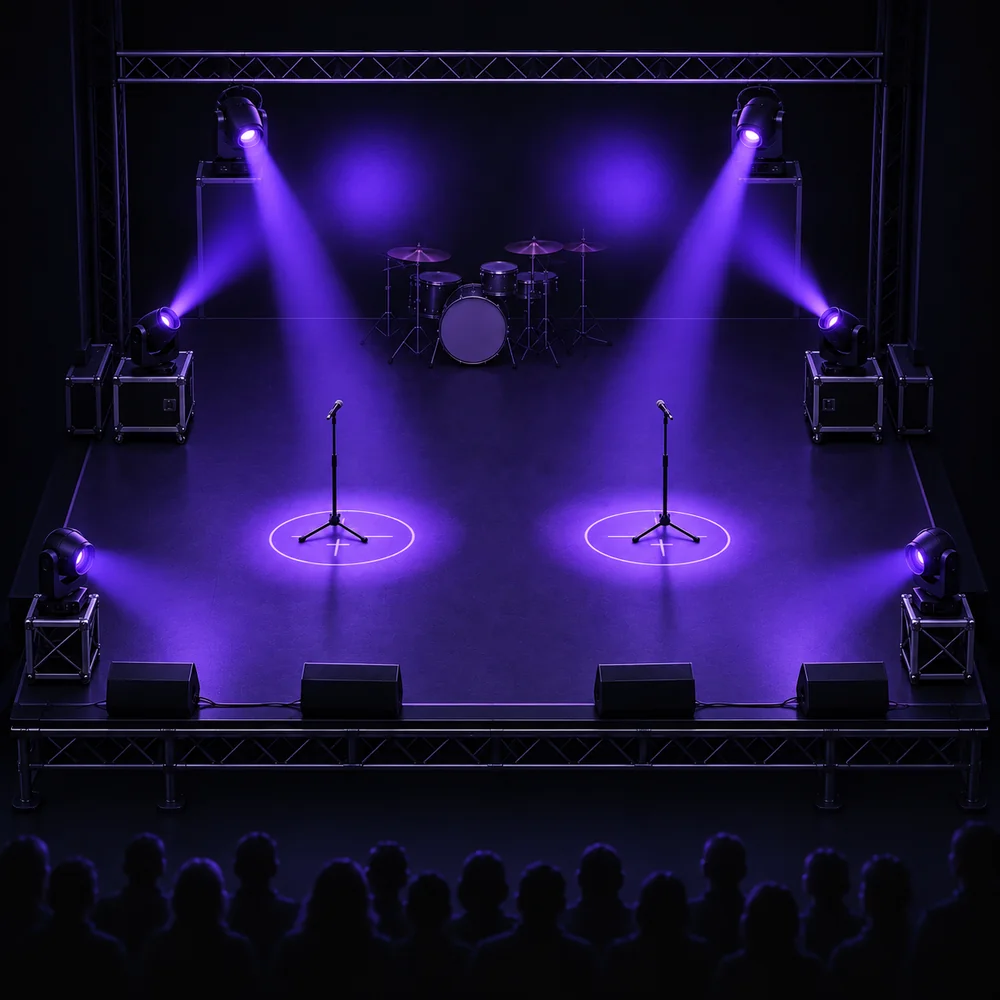
Define whether each light is positioned at the back, middle or front of the stage, and whether it is mounted overhead or placed on the floor.
LuDioMiX uses this information to create a light show that takes the position and height of each fixture into account.
AIM YOUR MOVING LIGHTS
Show LuDioMiX where your lights can point.
Define important target areas on the stage for your moving lights, such as the performers and the backdrop. LuDioMiX uses these targets to automatically create movements that follow the music.
You can also define the direction of the dance floor, allowing the moving lights to target it when Party mode is active.
CHOOSE A MODE AND PLAY
You play. LuDioMiX handles the lights.
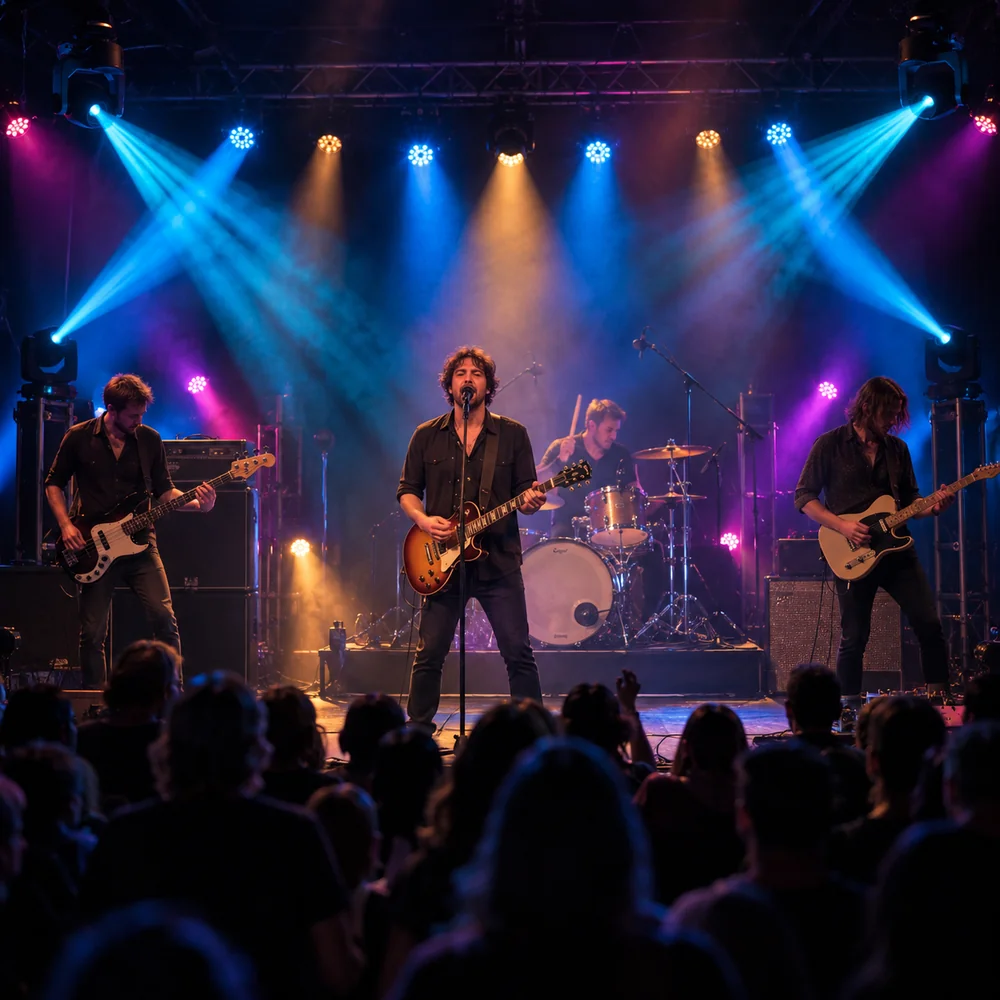
Once your lights are set up, LuDioMiX is ready for the gig. It listens to the music in real time and automatically creates color combinations and light movements.
All you need to do is choose a mode and play.
READY FOR THE GIG
ONE SYSTEM, FOUR MODES
Choose the mode that fits the situation. LuDioMiX handles the lights.
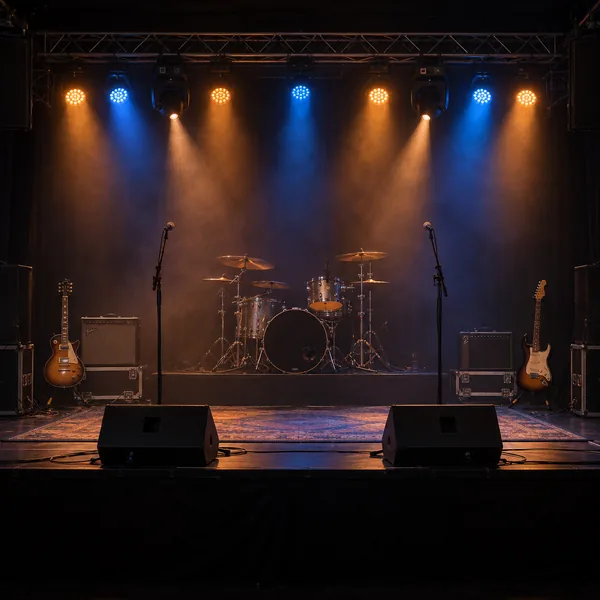
CALM LIVE
A subtle light show for quieter performances and relaxed moments.
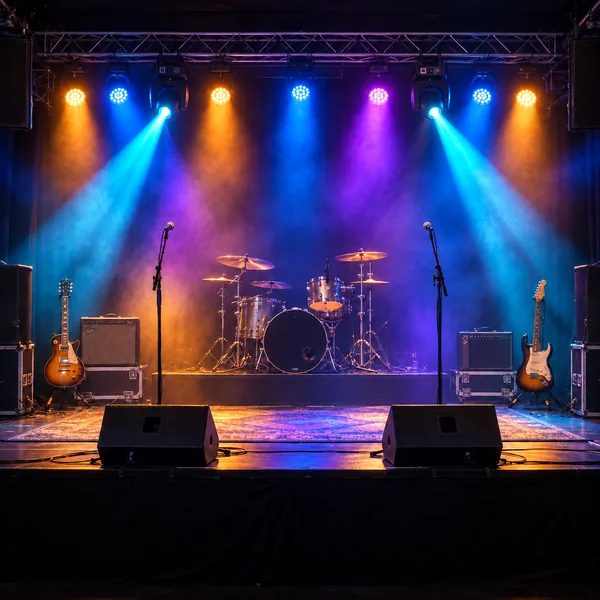
NORMAL LIVE
A dynamic light show that reacts to the music throughout your performance.
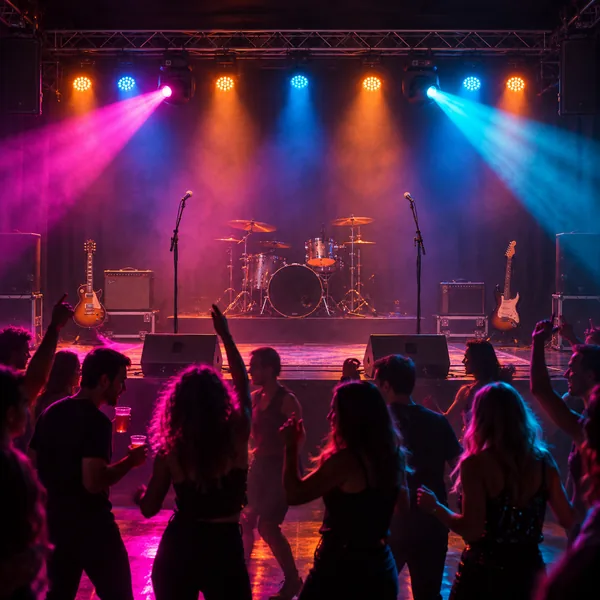
PARTY
Bring the party atmosphere to the dance floor. Moving lights are directed toward the dance floor.
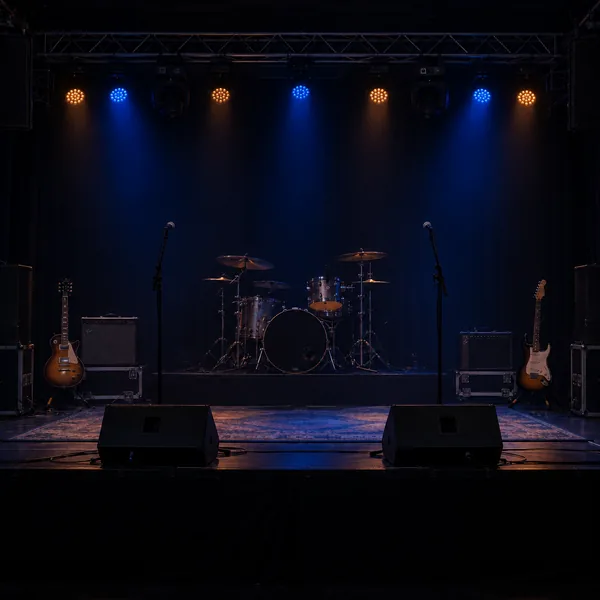
DIM BREAK MODE
Keeps the stage softly lit before the show and during breaks.